

Claude Design Tutorial: Create AI Prototypes with Your Branding
Claude Design promises realistic prototypes based on your own design system. Step-by-step tutorial with real-world testing. Can it replace Figma?
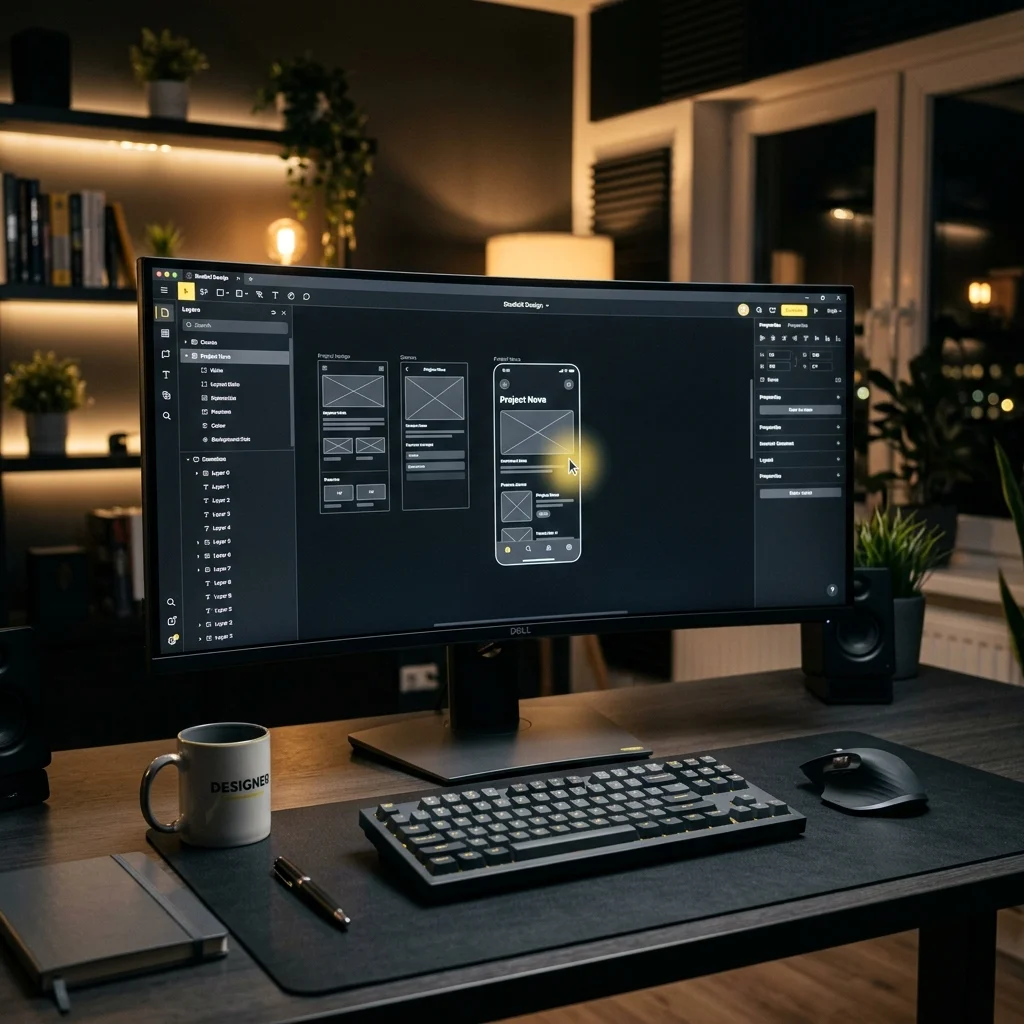
Imagine designing a complete web app without ever clicking in Figma. Claude Design by Anthropic promises exactly that.
I tested it: from a custom design system to interactive prototypes to code export. This tutorial walks you through every step.
What Is Claude Design?
Claude Design is a new tool from Anthropic, powered by the Claude Opus 4.7 model. It creates realistic prototypes from a prompt or from uploaded templates.
The key differentiator: everything is based on a predefined design system. You create a design system once or upload your branding, and every prototype you build afterward automatically follows it.
Requirements: You need at least Claude Pro (approx. $20/month). The interface is available at claude.ai/design.
Step 1: Create a Design System
Before your first prototype, you need a design system. This is the foundation for everything that follows.
- In the Claude Design interface, click Design Systems on the left
- Create a New Design System
- Upload a folder with your branding (logo, colors, screenshots, code)
- Click Continue Generation
After about 5 minutes, Claude generates a complete design system. In my test with WEUX Studio, Claude nailed the branding surprisingly well — the colors, the typography, everything fit. You can certainly refine it, but as a starting point, it’s incredibly valuable.
Step 2: Build Your First Prototype
With the design system in place, it’s time for the first prototype.
- Click Prototype on the left
- Name your project
- Choose between Wireframe (rough sketch) and High Fidelity (close to the final result)
- Select the design system you created
- Enter your prompt
My sample prompt:
“An interactive prototype for a Global Supply Chain. A dark world map with pulsating lines between various logistics hubs.”
A few minutes later, the result was ready: a dark world map, two sliders for controlling traffic and simulation speed — all rendered in the design system’s branding.
My take: For a first prompt, this is a genuinely good result. The design guidelines were executed cleanly.
Step 3: Iterate with Comments and Draw
Claude Design really shines in the iteration phase. Instead of writing a new prompt, you can:
- Add comments — click an element and change it via text
- Use the Draw function — mark areas in the prototype and give direct feedback
- Adjust sliders and parameters — in real time
The Draw function is particularly powerful: mark an area, write “Make both headings larger,” hit send, and Claude implements it. It feels like working with a junior designer who immediately understands what you mean.
Step 4: Export and Process Further
Once your prototype is ready, you have several export options:
- Download as ZIP — for further processing with Claude Code or Codex
- Export as HTML — standalone, can be deployed directly to a web server
- Hand off to Claude Code — including a link so Claude Code can fetch the project and integrate it into existing code
Can Claude Design Replace Figma?
No. Absolutely not.
But that’s not the point. Claude Design isn’t a Figma killer. It’s a tool that fills a specific gap: going from idea to interactive prototype fast, without getting lost in pixel-level details.
Conclusion
Claude Design is a genuinely good tool for quick visual prototypes based on your branding, interactive presentations, client demos, and seamless handoff to Claude Code or Codex. It doesn’t replace the designer, but it makes the journey from concept to the first tangible prototype significantly shorter — whether you’re planning a new landing page or testing an existing design.
I covered the whole topic in detail on my YouTube channel: